hearth


A game launcher for Linux that puts Steam, Lutris, repacks and portable games in one library, with per-game Proton/Wine, MangoHud, gamemode and gamescope settings, and a one-click "install from .exe". Use it as a Lutris alternative, or on top of Lutris: it reads your Lutris and Steam libraries as they are.
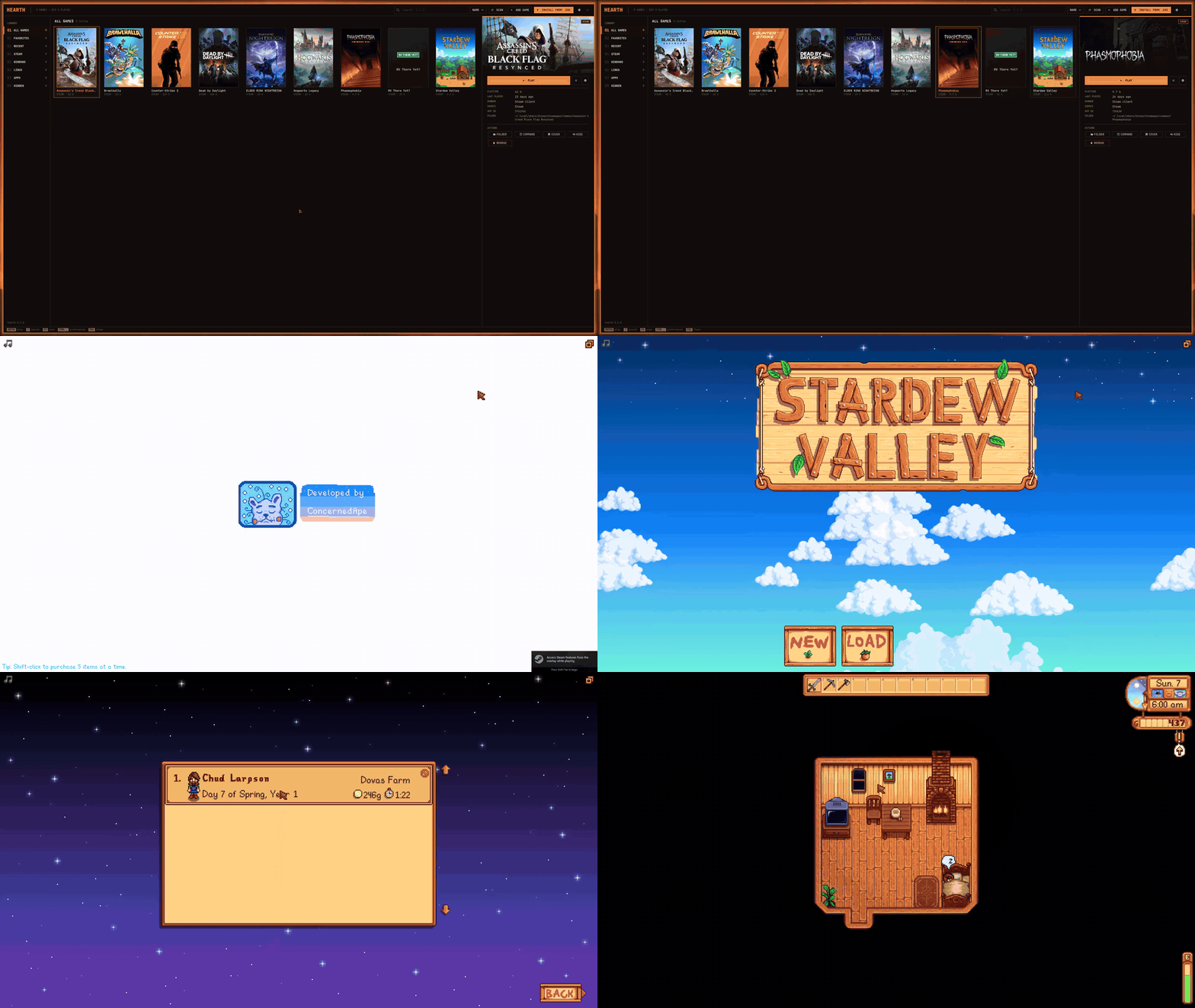
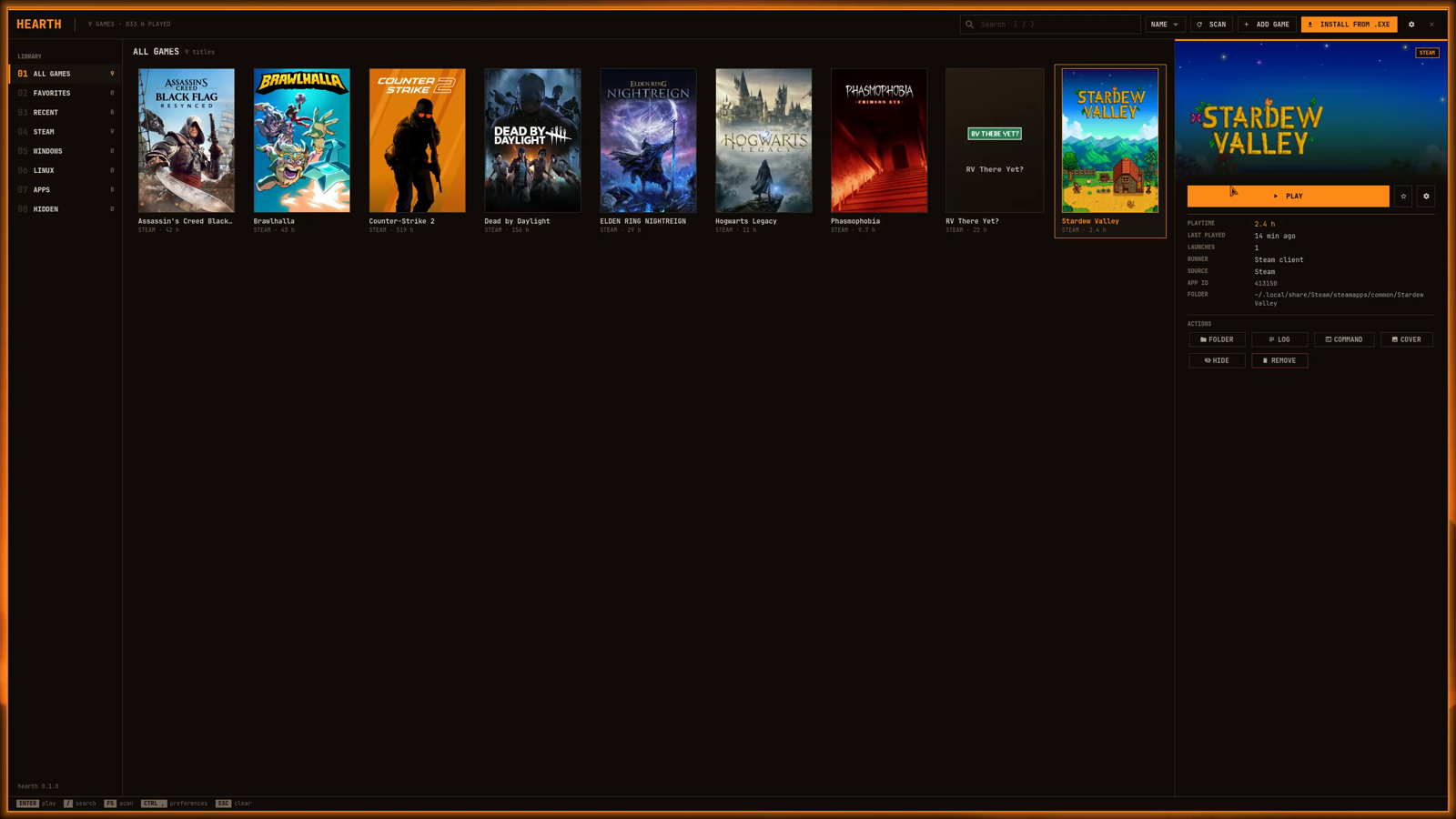
Features
- Finds your games on its own
- Steam libraries (every library folder, play time and last-played from Steam, cached cover art)
- Lutris (games, play time, runner, prefix, environment, gamescope and pre-launch settings)
- Game folders such as
~/Games: repacks (FitGirl, DODI, …), portable Windows games, native games and AppImages. The main.exeis picked by name, size and depth; uninstallers, redistributables and crash handlers are skipped. - Games installed inside Wine prefixes (
C:\Games, Program Files, the user folder) .desktopentries in the Game category (Flatpaks, emulators)
- Install from .exe: pick a
setup.exe, hearth makes a fresh prefix, points the installer at your games folder (X:\Games\<name>for Inno Setup and NSIS installers) and adds the game when the installer is done. It keeps running if you close the window. - Per-game settings like Lutris, each one either set or inherited from your defaults:
Proton build (GE-Proton, Steam Proton, any build with a
protonscript) or Wine build, prefix, arguments, working folder, ntsync/fsync/esync, FSR 4 upgrade, Wine Wayland driver, WineD3D, DXVK HUD, MangoHud (plus extra MangoHud config), gamemode, gamescope (resolution, refresh, upscaler, cursor grab, HDR, extra flags), CPU set, nice level, launch wrapper, pre-launch and post-exit scripts, stop-prefix-on-exit, environment variables. - Prefix tools: run any
.exein a game's prefix (patches, trainers), winecfg, regedit, winetricks. - Play time counted per game, including launchers that fork and exit (every process started for the game is tracked), merged with what Steam and Lutris already counted.
- Cover art from Steam's library art; for non-Steam games hearth looks the title up on the Steam
store, then Lutris.net (only the title is sent; can be turned off). Games with no cover anywhere
show the icon pulled out of their own
.exe. - CLI for scripts and app launchers:
hearth launch <id>,hearth list,hearth scan.
Install
Needs GTK 4.16+, Rust, and for Windows games a Proton build (e.g. GE-Proton) plus ideally umu-launcher. Optional: gamescope, gamemode, MangoHud, winetricks, curl (cover art).
# Arch
sudo pacman -S --needed gtk4 rust curl
yay -S umu-launcher      # optional but recommended

git clone https://github.com/Tjabooo/hearth
cd hearth
./install.sh # ~/.local/bin/hearth + desktop entry + iconUsage
Open Hearth from your app launcher, or run hearth.
Enter |
play the selected game |
type or / |
search |
F5 |
scan for new games |
Ctrl+, |
preferences |
hearth scan --art            # find new games, fetch missing covers
hearth list                  # id, runner, play time, name
hearth launch <id>           # start a game (returns right away)
hearth launch <id> --dry-run # print the exact command and environment
hearth stop <id>
hearth install ~/Downloads/Some\ Game\ \[FitGirl\ Repack\]/setup.exe
hearth runners # Proton/Wine builds and tools foundConfiguration
~/.config/hearth/config.toml (created on first run, also editable in Preferences):
game_dirs = ["~/Games"]                 # every sub-folder is a game
prefix_dirs = ["~/Games/Prefixes"]      # one prefix per sub-folder; games inside are found
install_root = "~/Games"                # where "Install from .exe" installs to
prefix_root = "~/Games/Prefixes"        # where new prefixes go
steam_command = ["steam", "steam://rungameid/{appid}"]
wrapper = []                            # e.g. ["mullvad-exclude"]; per game: "Use launch wrapper"

[mangohud_env]                          # what "MangoHud on" sets
MANGOHUD = "1"

[defaults]                              # every game inherits these unless it overrides them
proton = "latest"                       # newest GE-Proton
mangohud = false
gamemode = true
Games live in ~/.config/hearth/games/<id>.toml, play time in ~/.local/share/hearth/stats/,
cover art in ~/.local/share/hearth/art/<id>/, launch logs in ~/.local/state/hearth/logs/.
How it works
- The window never runs a game itself: Play starts
hearth run <id>in its own session. That supervisor runs the pre-launch script, starts the game withHEARTH_GAME=<id>in its environment, and keeps counting until no process with that tag is left (Wine's own background processes don't count), then runs the post-exit script. Steam games are handed to Steam and followed through Steam'sreaperprocess. - Windows games run through
umu-runwithPROTONPATHset to the chosen build (plainproton waitforexitandrunif umu isn't installed). Wrappers are applied innermost first: gamescope, gamemoderun, taskset, then your launch wrapper. - Installs run as
hearth install …jobs. Wine assigns some drive letters to mount points by itself (oftenX:→ home), so hearth uses whichever drive already reaches the games folder or maps a free one, passes/DIR=(Inno Setup) or/D=(NSIS) so the installer suggests the right folder, waits for the installer and everything it spawned, then picks the new folder's main.exe.
License
MIT