magi-overlay


A self-hosted, MAGI-themed stream overlay for OBS: Twitch chat and alerts, live CS2 match stats, Leetify profile stats, system stats and now playing, served as browser sources from one small Rust binary.
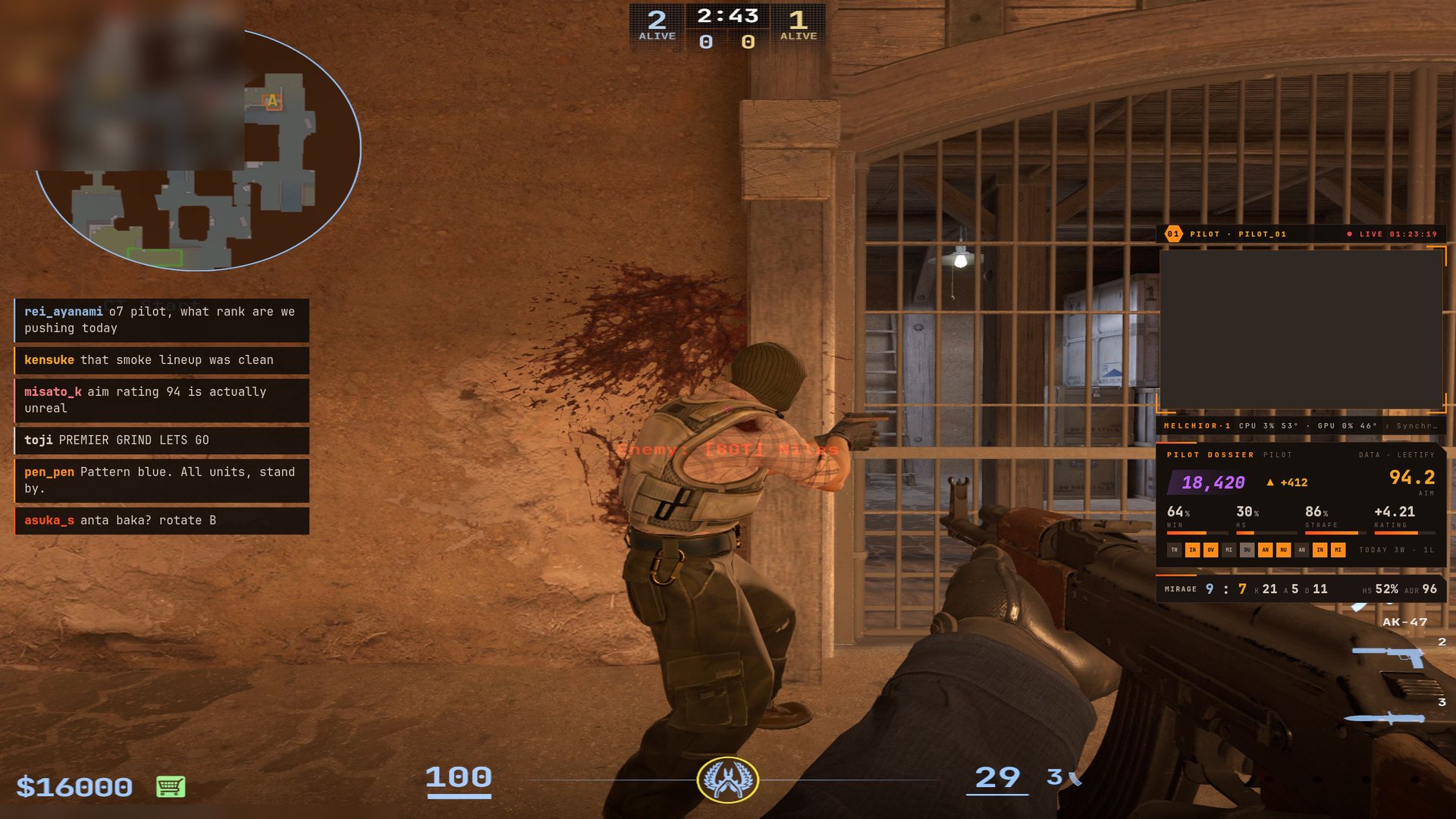
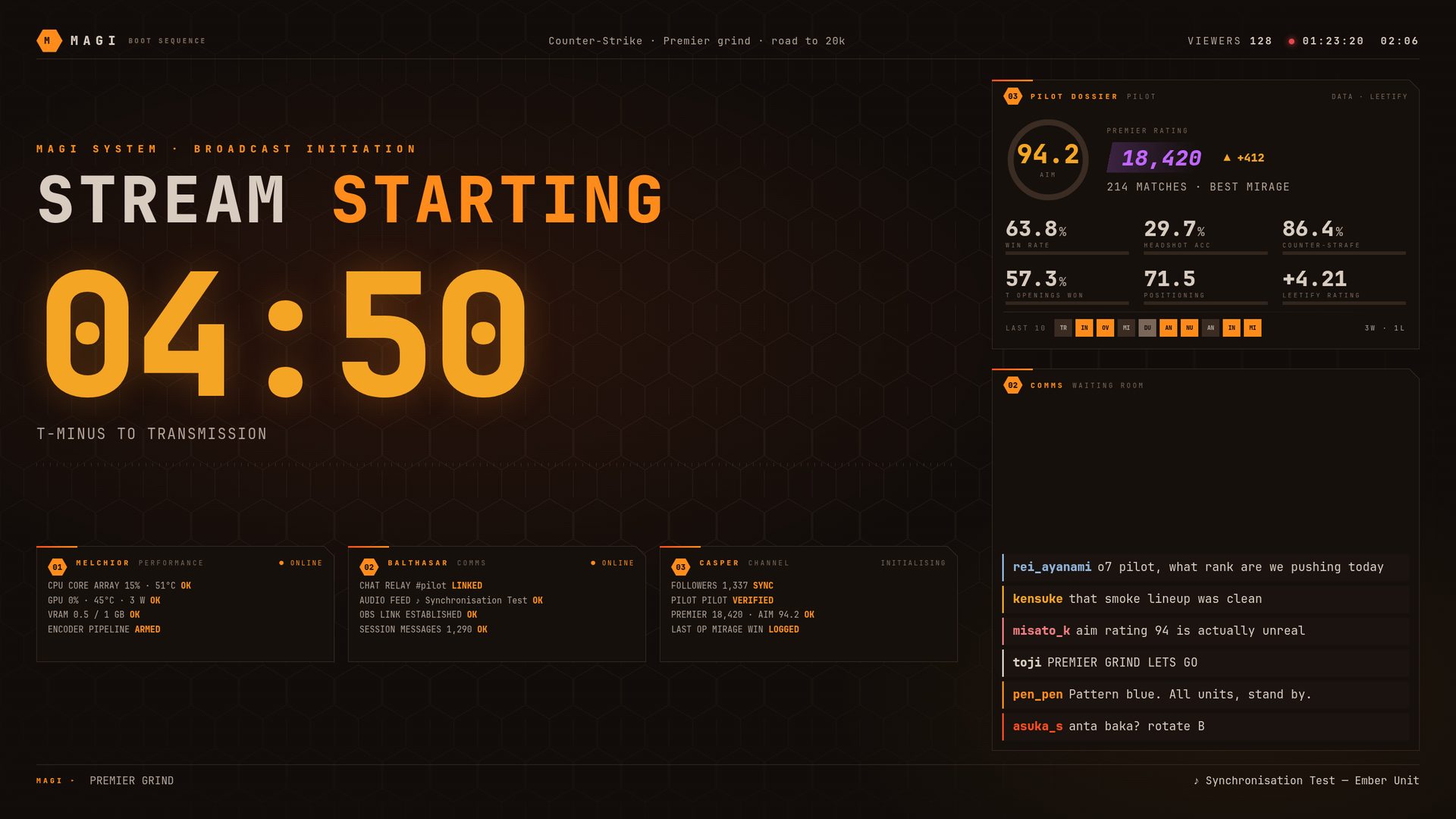
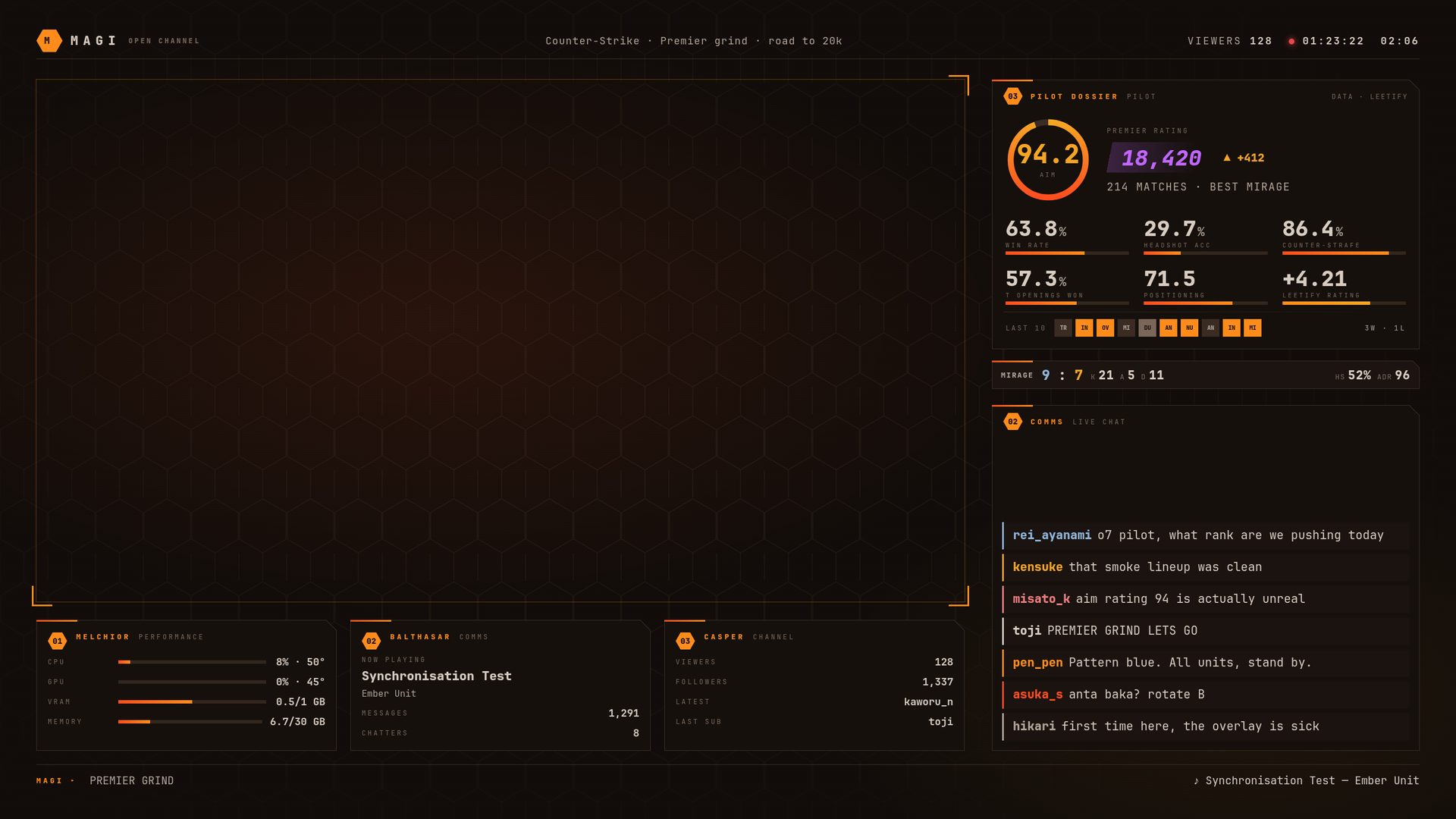
| Starting soon | Chatting |
|---|---|
 |
 |
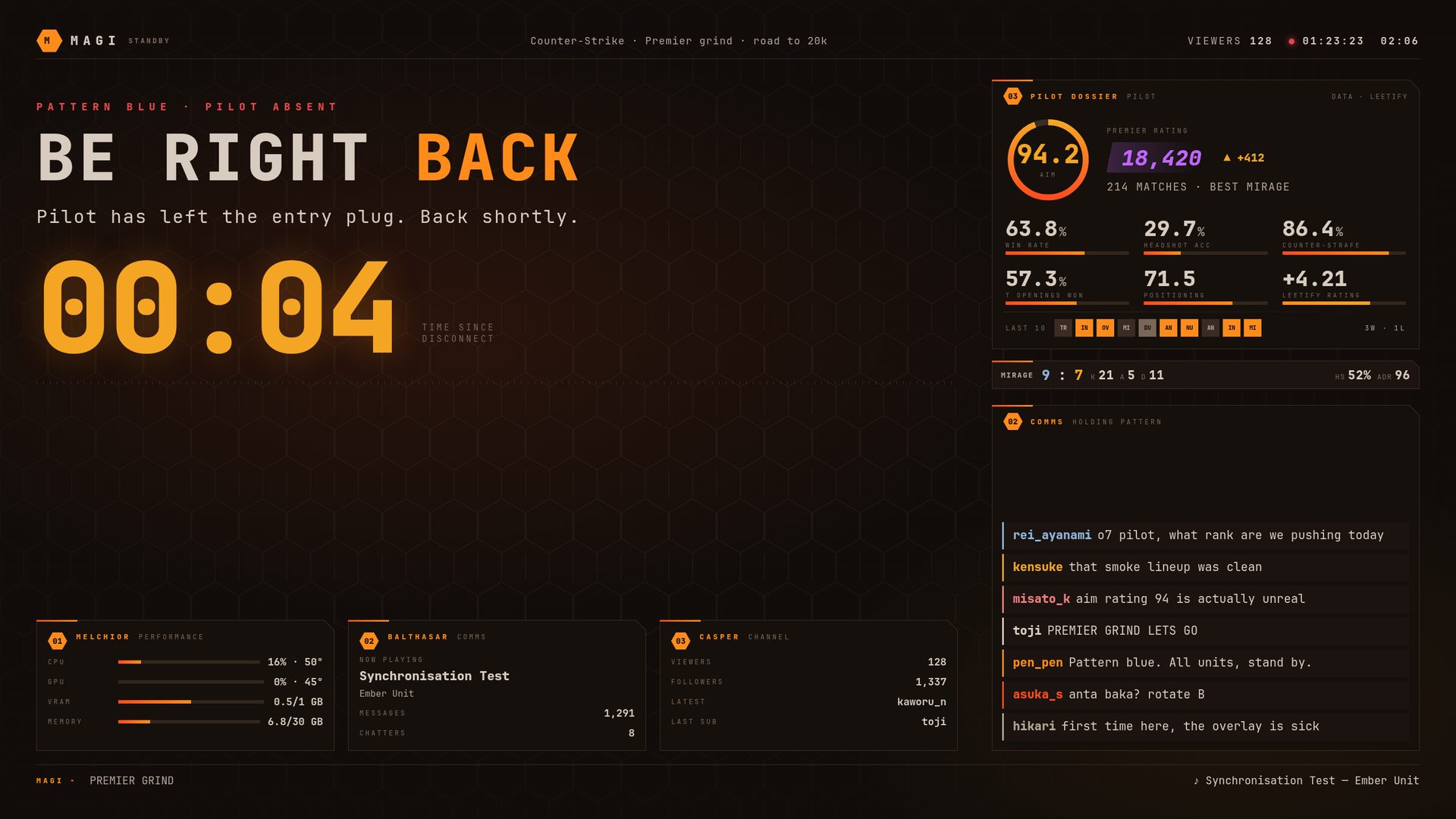
| Be right back | Ending |
 |
 |
Features
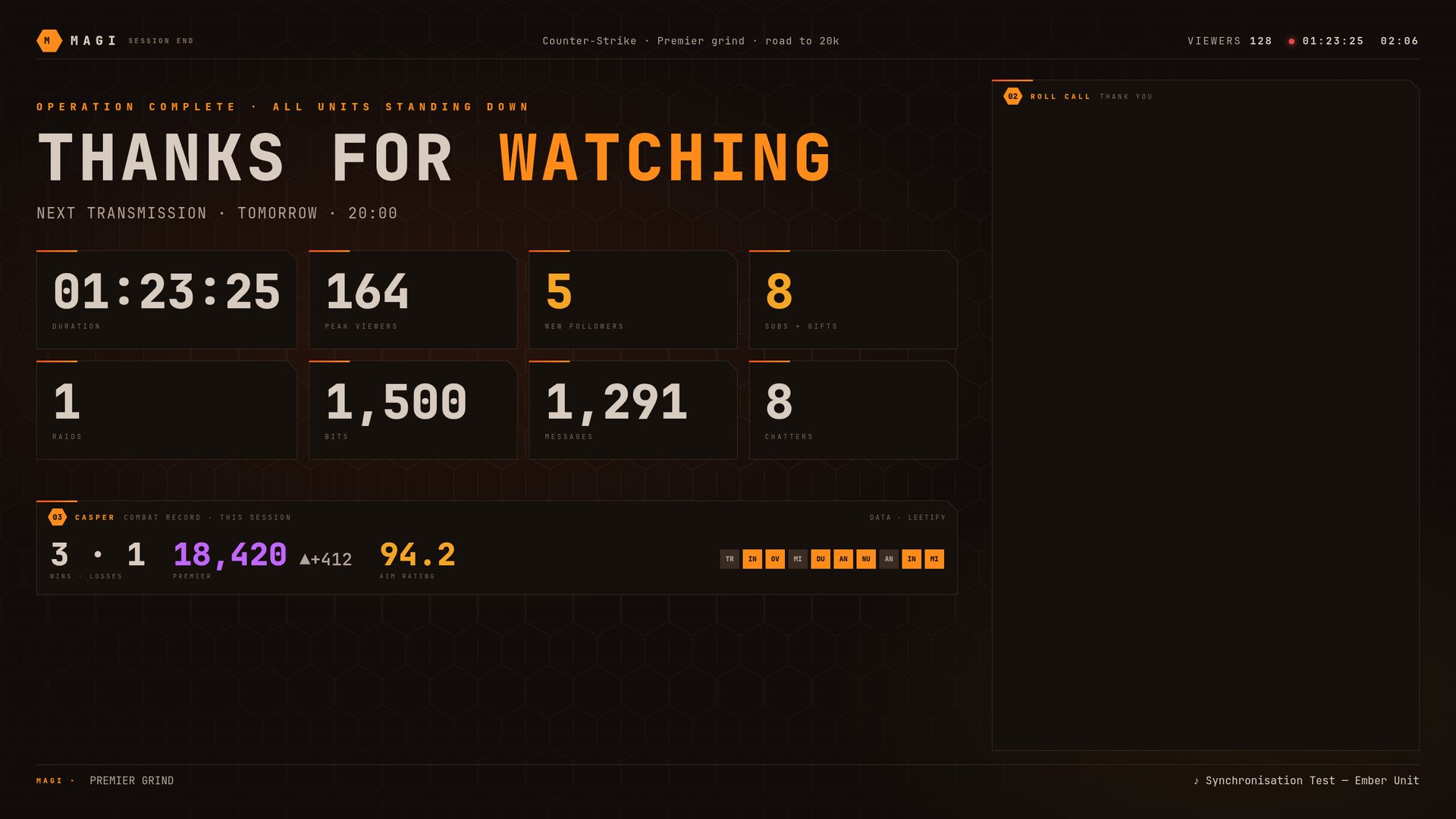
- Six scene pages: starting soon (countdown + boot sequence), gameplay, just chatting, be right back (away timer), ending (session summary + roll call) and alerts.
- One command builds the OBS scenes through obs-websocket (
magi-overlay setup, safe to re-run). - Twitch chat with emotes and badges, deleted messages and bans removed live; works anonymously with just your channel name.
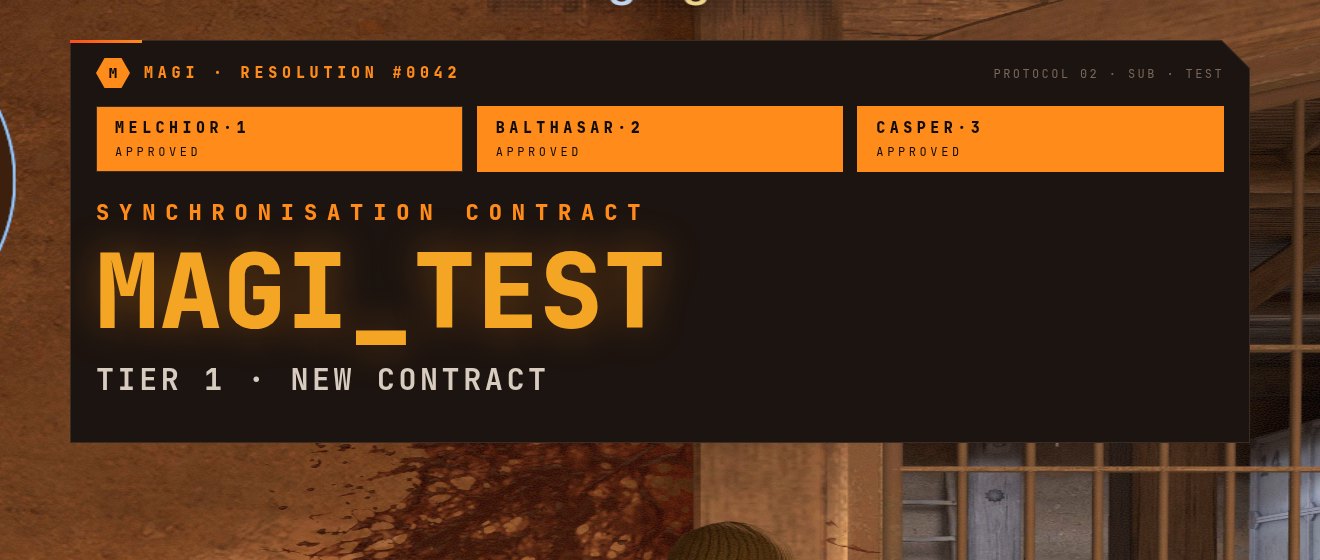
- Alerts as a three-unit "MAGI vote": follows, subs, resubs, gifts, gift bombs, raids, bits and channel-point redemptions, with synthesized sounds (no audio files) and a queue.
- CS2 live match strip from Game State Integration: score, K/A/D, headshot %, ADR, kill flashes. Only your own stats count; spectated teammates don't overwrite them.
- Pilot dossier from the public Leetify API: Premier rating (in its CS2 tier colour) with today's change, aim rating, win rate, headshot accuracy, counter-strafing, opening duels, last 10 matches.
- System stats (CPU, GPU, VRAM, RAM, temperatures) straight from sysfs, and now playing via MPRIS.
- Control dock for OBS: countdowns, BRB message, test alerts, chat test, session reset, live status.
- Cheap to run: hidden scenes unload, no endless animations, no subprocess polling.
serve --demofills everything with sample data for previews.
Install
Linux, Rust 1.85+:
git clone https://github.com/Tjabooo/magi-overlay && cd magi-overlay
cargo build --release
install -Dm755 target/release/magi-overlay ~/.local/bin/magi-overlay
Optional: playerctl for now playing. The pages use the "JetBrainsMono Nerd Font" (falls back to
JetBrains Mono, then any monospace font).
Usage
- Copy
config.example.tomlto~/.config/magi-overlay/config.tomland set at least[twitch] channeland the names of your OBS camera and screen sources. - Enable obs-websocket in OBS (Tools → WebSocket Server Settings).
- Start the server:
magi-overlay serve(or installcontrib/magi-overlay.serviceas a user unit). - Build the scenes:
magi-overlay setup. You getstarting, your gameplay scene,chatting,brbandending, each with its page and the shared alerts source. - Optional extras:
- Twitch API (follows, viewer count, badges, channel points): create an app at
https://dev.twitch.tv/console/apps (Client Type Public, any HTTPS redirect URL, e.g.
https://localhost), put its Client ID in[twitch] client_id, runmagi-overlay loginand approve. - CS2 live stats:
magi-overlay cs2-config, copy the printedgsi_tokeninto the config, restart the server and CS2. - Leetify dossier: set
[cs2] steam_id(your SteamID64; your Leetify profile must be public). - Control dock: OBS → Docks → Custom Browser Docks →
http://127.0.0.1:7788/overlay/control.
- Twitch API (follows, viewer count, badges, channel points): create an app at
https://dev.twitch.tv/console/apps (Client Type Public, any HTTPS redirect URL, e.g.
From a terminal or a hotkey:
magi-overlay countdown 5m            # starting scene countdown (also 90s, 4:30, off)
magi-overlay message "Back in 5"     # BRB message
magi-overlay test raid               # follow, sub, resub, gift, giftbomb, raid, bits, redeem
magi-overlay session-reset           # start counting a new session now
magi-overlay status # what the overlay currently knowsGoing live
POST /api/golive (with an X-Magi: 1 header) does the whole start in one call:
{ "title": "Premier grind", "game_id": "32399", "tags": "English, CS2", "language": "en",
  "profanity": false, "start_scene": "starting", "countdown_secs": 300, "notify": "Live now: Premier grind" }
It updates the Twitch channel, sets the countdown, switches OBS to the opening scene and starts the stream.
Once OBS is live it posts notify as a chat announcement and runs [golive] notify_command (for example a
Discord webhook). POST /api/channel changes the channel info mid-stream, POST /api/scene switches scenes, POST /api/say writes in chat, and
POST /api/endstream switches to the ending scene and stops the stream
end_delay_secs later. GET /api/channel and GET /api/categories?q=… feed a UI of your own, and
/api/presets keeps reusable setups. Twitch has no API for the go-live push notification text itself;
edit that one in Stream Manager.
For a touch panel (a tablet next to the PC): GET /api/health returns stream health (bitrate, dropped and
render-lagged frames, congestion, OBS fps/CPU, stream-mic and privacy state); POST /api/privacy {"on": true, "secs": 10} hides the [obs] screen source in every scene for a few seconds (a message on the overlay says why);
POST /api/stream-mic toggles the [obs] mic input (the stream hears nothing, Discord still does); POST /api/clip
makes a Twitch clip of the last ~30 s and returns its URL (scope clips:edit: run magi-overlay login again).
Preview any page in a browser at http://127.0.0.1:7788/; /overlay/alerts?test=sub plays a sample alert locally.
Configuration
See config.example.toml; every key is optional. Positions are given in a
2560×1440 design space and scaled to your canvas, so the pages work at 1080p, 1440p or 4K. To restyle,
copy web/ somewhere, point [server] web_dir at it and edit magi.css. The palette lives in its CSS
variables.
Files: config ~/.config/magi-overlay/config.toml, Twitch token ~/.config/magi-overlay/tokens.json
(mode 600), session counts ~/.local/state/magi-overlay/session.json.
How it works
magi-overlay serve runs a small HTTP server on loopback. Every page opens one Server-Sent Events stream and
gets a full snapshot, then live updates. The server gathers:
| Source | How |
|---|---|
| Chat, subs, gifts, raids, bits | Twitch IRC over WebSocket, anonymous (justinfan) |
| Follows, channel points, live/offline | Twitch EventSub WebSocket (needs login) |
| Viewers, title, category, followers | Helix API every 60 s |
| CS2 match | CS2 Game State Integration posts to /gsi (token-checked) |
| Pilot dossier | Leetify public API every 5 min, plus 3 and 8 min after a match ends |
| Stream state, scene, session start | obs-websocket v5 events |
| CPU/GPU/RAM | /proc and /sys/class/{drm,hwmon}, 1 Hz |
| Now playing | playerctl --follow |
Control requests (POST /api/*) need an X-Magi header, so random websites can't fire fake alerts through
your browser. The Twitch login uses the device-code flow with a public client: no client secret anywhere.
CS2 data is provided by Valve's Game State Integration; profile statistics are provided by Leetify.
License
MIT